

I Need a Receipt / Invoice
Get a receipt or invoice for your subscription


If you have a PackTrack subscription and need a receipt for a subscription charge, follow the steps below.
If you don’t have a subscription, contact your handler to have them retrieve the invoice or receipt for you.
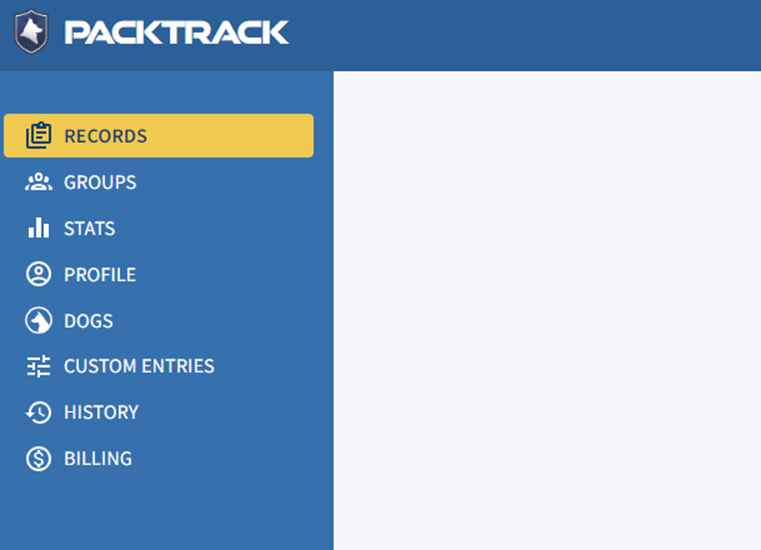
Step 1: Open the Billing page
Go to Billing in the left side navigation bar.
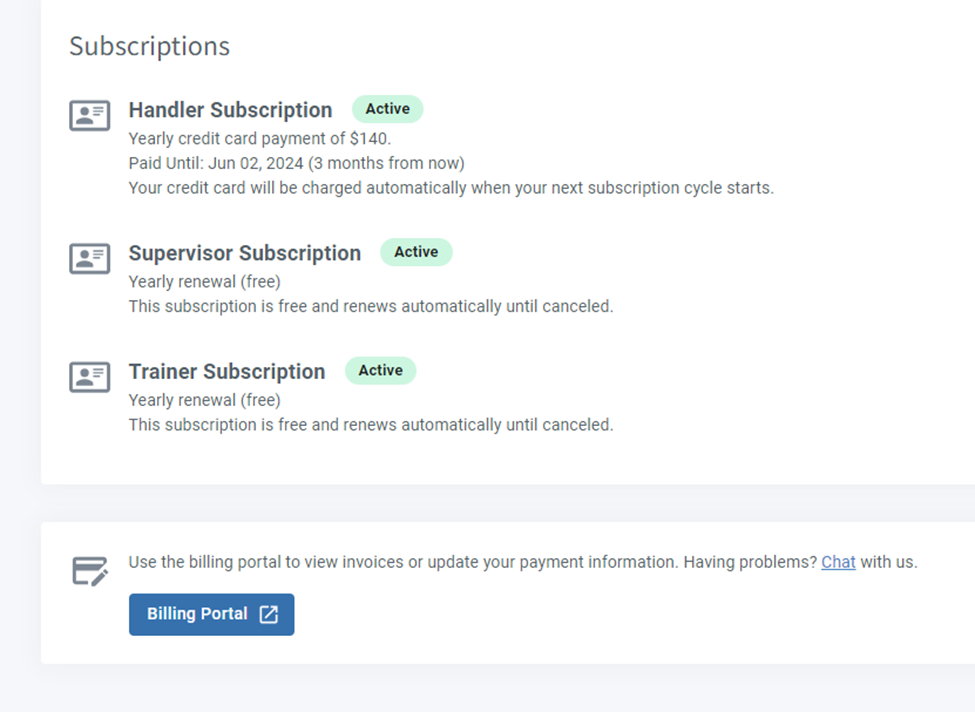
Step 2: Open the Billing Portal
Click Billing Portal on the screen that appears.
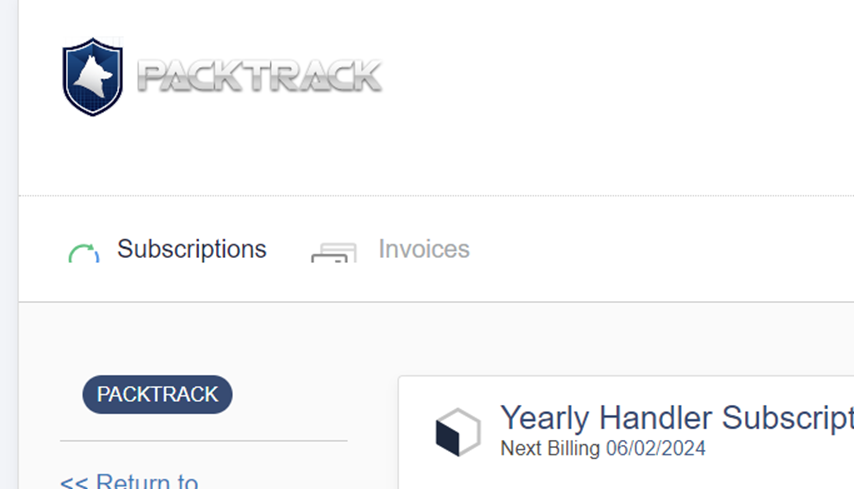
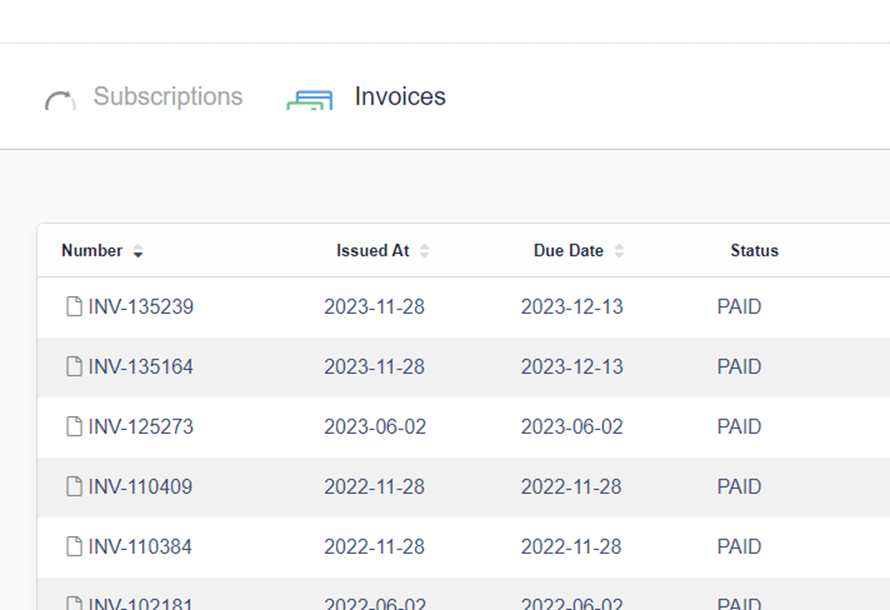
Step 3: View your invoices
Click Invoices at the top of the screen. All invoices will be listed. You can print or save these PDFs to send to your finance department.
Frequently Asked Questions
What if I don’t have a PackTrack subscription but need a receipt?
If your subscription is paid through a billing manager or supervisor, contact them directly. They can retrieve invoices for any handler in their group from the Billing Portal.
Can I get a receipt for a specific date range or charge?
The Invoices tab lists all invoices by date. Find the one that matches the charge you need a receipt for and download it as a PDF.
What format are receipts downloaded in?
Invoices are downloaded as PDF files. You can print them or forward them to your finance department.

Still need help?
Can't find what you're looking for? Message the PackTrack team from the chat inside the app, or reply to any PackTrack email.
